PHOTOS AND PDF
Draw on photos, fill in forms on the page

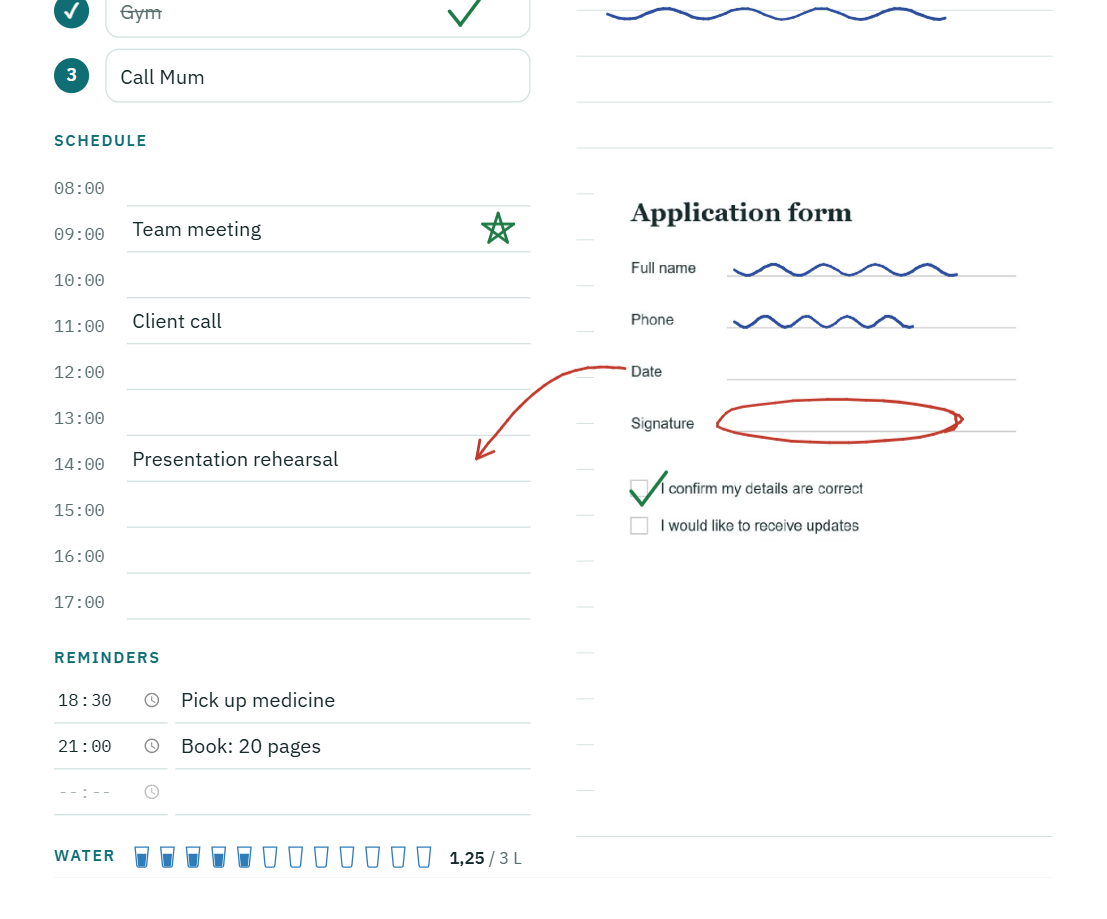
Photos. Add them from the camera, from the gallery or, on a computer, with Ctrl+V. Move them, resize them. A photo sits below the text and the pen writes over it. In the editor you draw and add text on it; rotate, crop, adjust brightness and contrast.
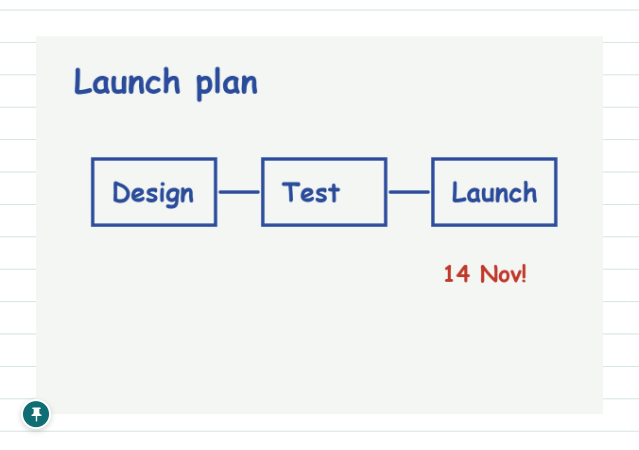
Pin. Once a photo is in place, tap the pin in its bottom left corner; it stays as if pinned to the page and doesn't slip under your hand while you write on it. Tap the pin again to release it.
Adding a PDF. Put a form or a page from a book onto the day's page and fill it in with the pen. The ruled lines behind it are hidden, so the page stays clean.
Opening a PDF. Open a whole PDF as a separate note; its pages run one below the other, and even in long documents the pen writes without lag.
Saving as PDF. Day, week, month or note; portrait or landscape A4. A long note is split across A4 pages or kept as one uncut page. Even in dark mode the PDF comes out like white paper.