PEN
A pen that writes like a pen
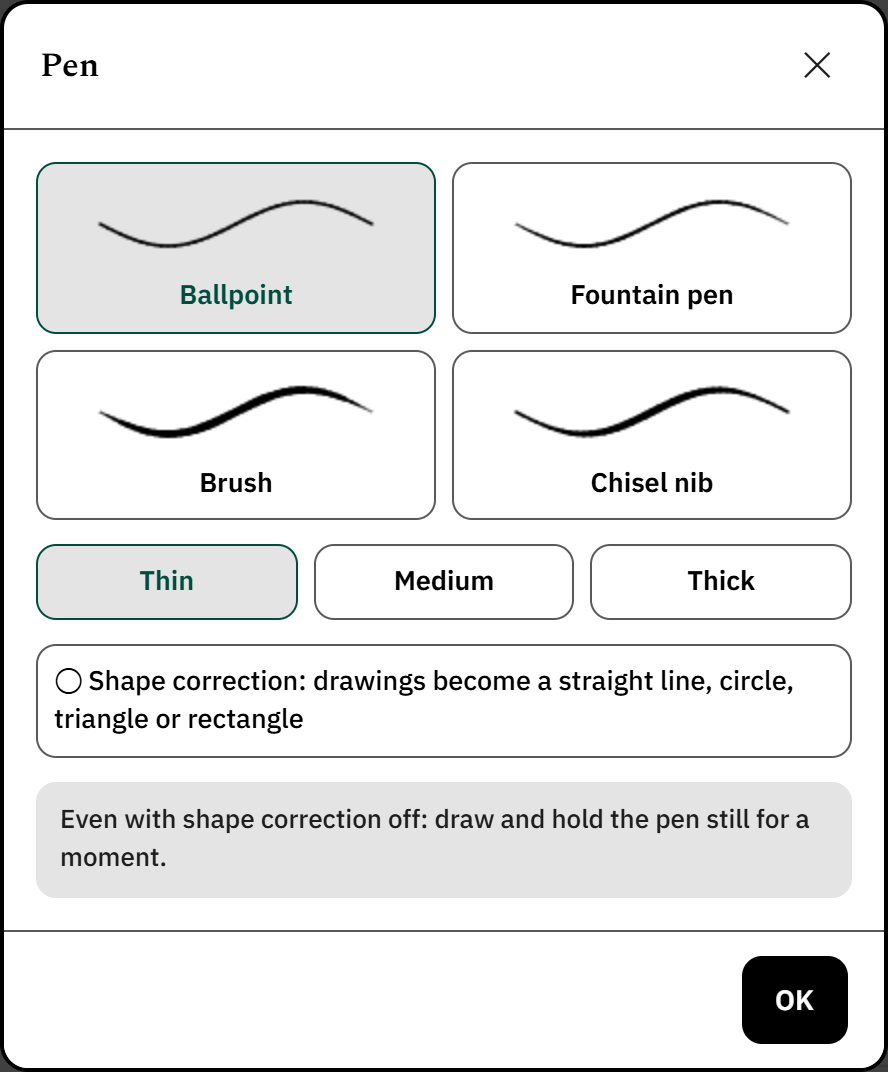
Ballpoint. A clean, even line.
Fountain pen. Thins out as you speed up.
Brush. Tapers at the ends.
Chisel nib. Like calligraphy.
Every nib has three widths; switch between black, navy, red and green with one tap. With pressure-sensitive pens the line gets thicker as you press. The highlighter comes in yellow, green, pink and blue; it is translucent, so the writing underneath stays readable.
Rest your hand. You can put your palm on the screen as you would on paper; a resting palm doesn't spoil the line or scroll the page. If your pen isn't with you, turn on finger drawing.
Shape correction. Draw a wobbly circle and hold the pen still for a moment: it becomes a circle. The same works for straight lines, triangles and rectangles.
Lasso. Draw around what you wrote; move it, resize it, recolour it, copy it or delete it. Handwriting you select turns into typed text with one tap.
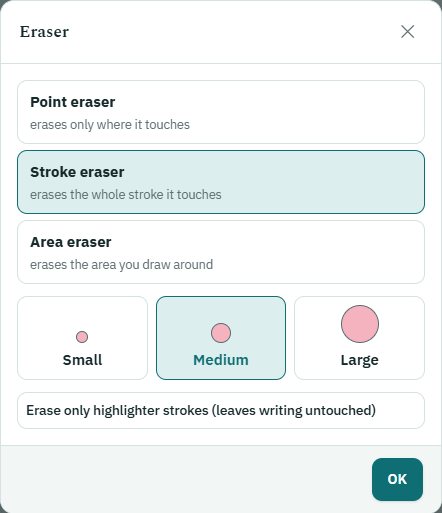
Eraser. The point eraser removes only what it touches, the stroke eraser the whole stroke, the area eraser whatever you circle. Small, medium or large; if you like, it erases only highlighter and leaves the writing alone. The pen's side button works as an eraser too.
Every step can be undone and redone. Zoom with two fingers, and “Fit” sets the page to the screen with one tap. In keyboard mode you turn a line into a heading or subheading and choose its colour. On a computer, Ctrl+Z, Ctrl+Y and the arrow keys for turning pages work.