GALLERY AND SEARCH
All your pages at a glance
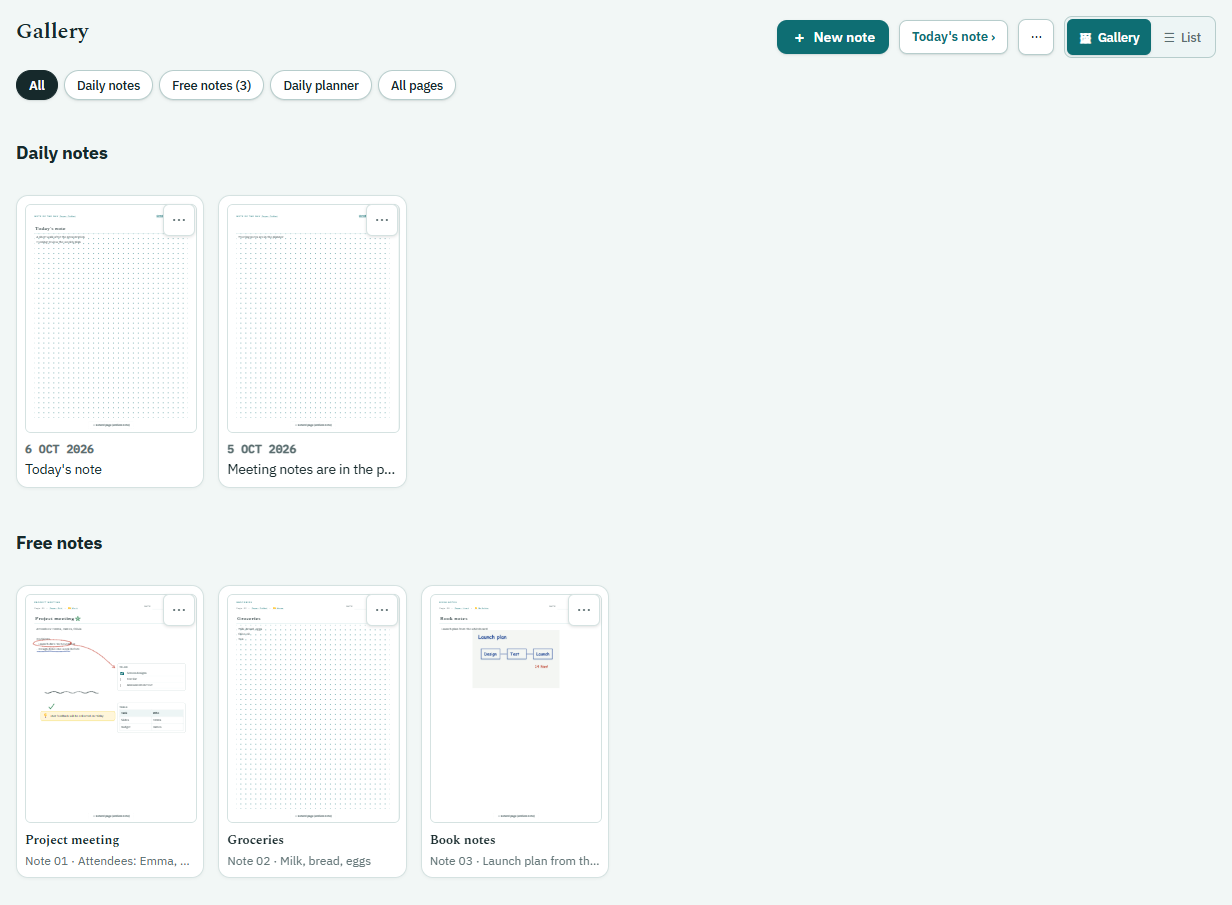
Gallery. All your pages are laid out as thumbnails, handwriting included, like the photo album on your phone. Daily notes, free notes, planner pages or all of them; if you like, only the pages you have written on.
PDF from a selection. Tick the week's pages one by one and turn them all into a single PDF.
Deleting. A note, a note of the day or a planner page; delete one at a time from the card's menu, or select several and delete them together. A deleted page disappears from all your devices. A planner day stays in the calendar as an empty page.
Search. Type a word, a date or a special day: “meeting”, “15 March”, “Easter”. The pages where it appears are listed. What you wrote in pen is searched too: recognition happens on the phone and the tablet, offline.