NOTES
A page that never ends
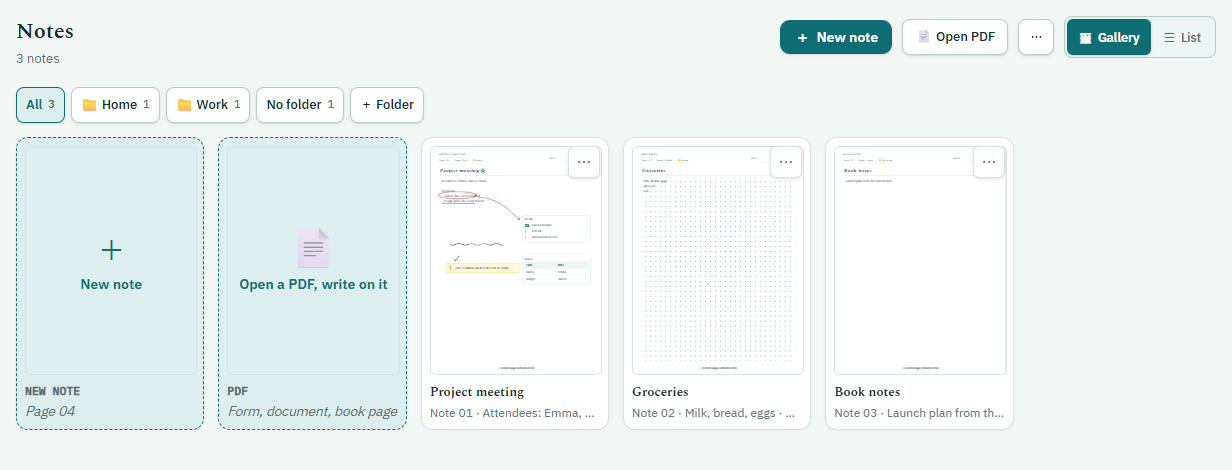
Open as many notes as you like. The page grows downwards as you write. You name notes and sort them into folders; even if you delete a folder, the notes inside are kept.
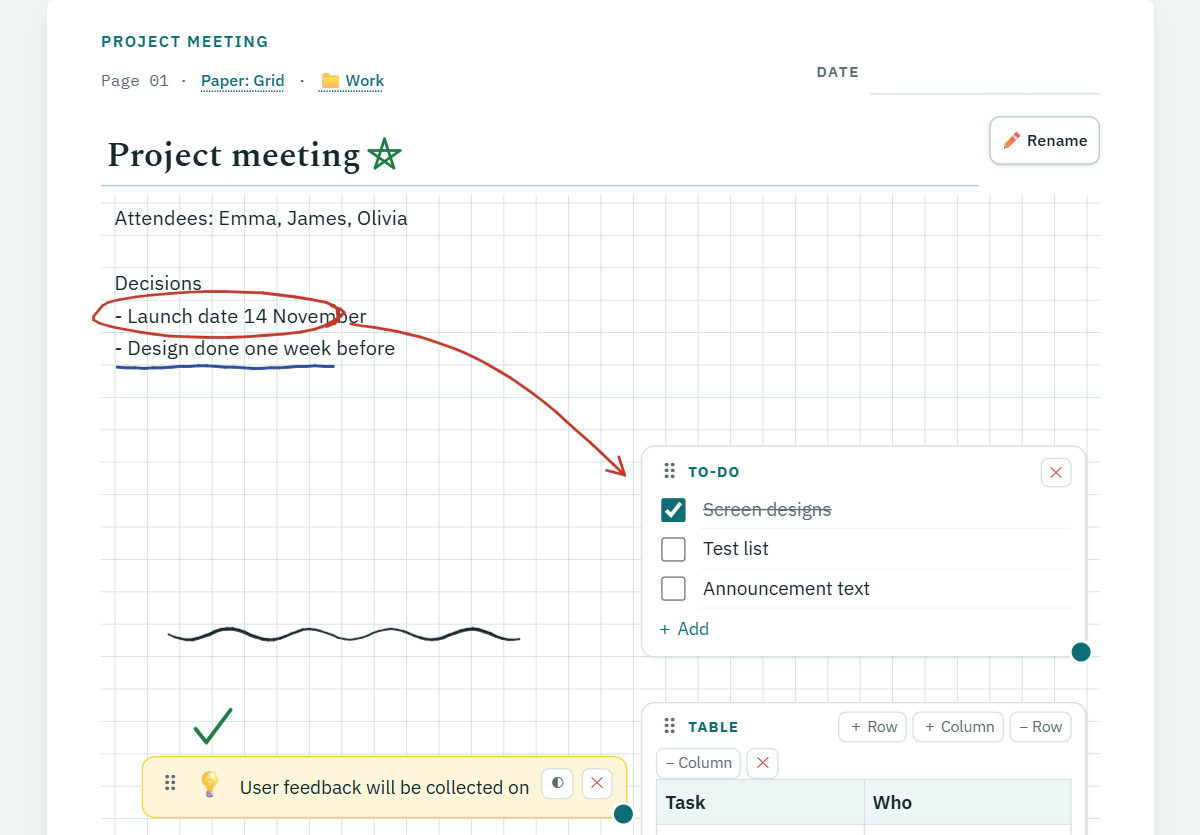
You drop boxes onto the page. Like on paper, a box stays wherever you put it: drag it to move, pull its corner to resize. It sits above the typed text and below the ink, so you can write over it.
- To-doChecklist, Enter for a new line.
- TableAdd and remove rows and columns.
- Page linkOne tap to another note or day.
- Callout boxAn important note in a coloured box.
EVERY NOTE HAS ITS OWN PAPER
Dotted
Lined
Grid
Blank